Setup your Alfadocs integration
If you have not done so already, generate your DM API Key.
-
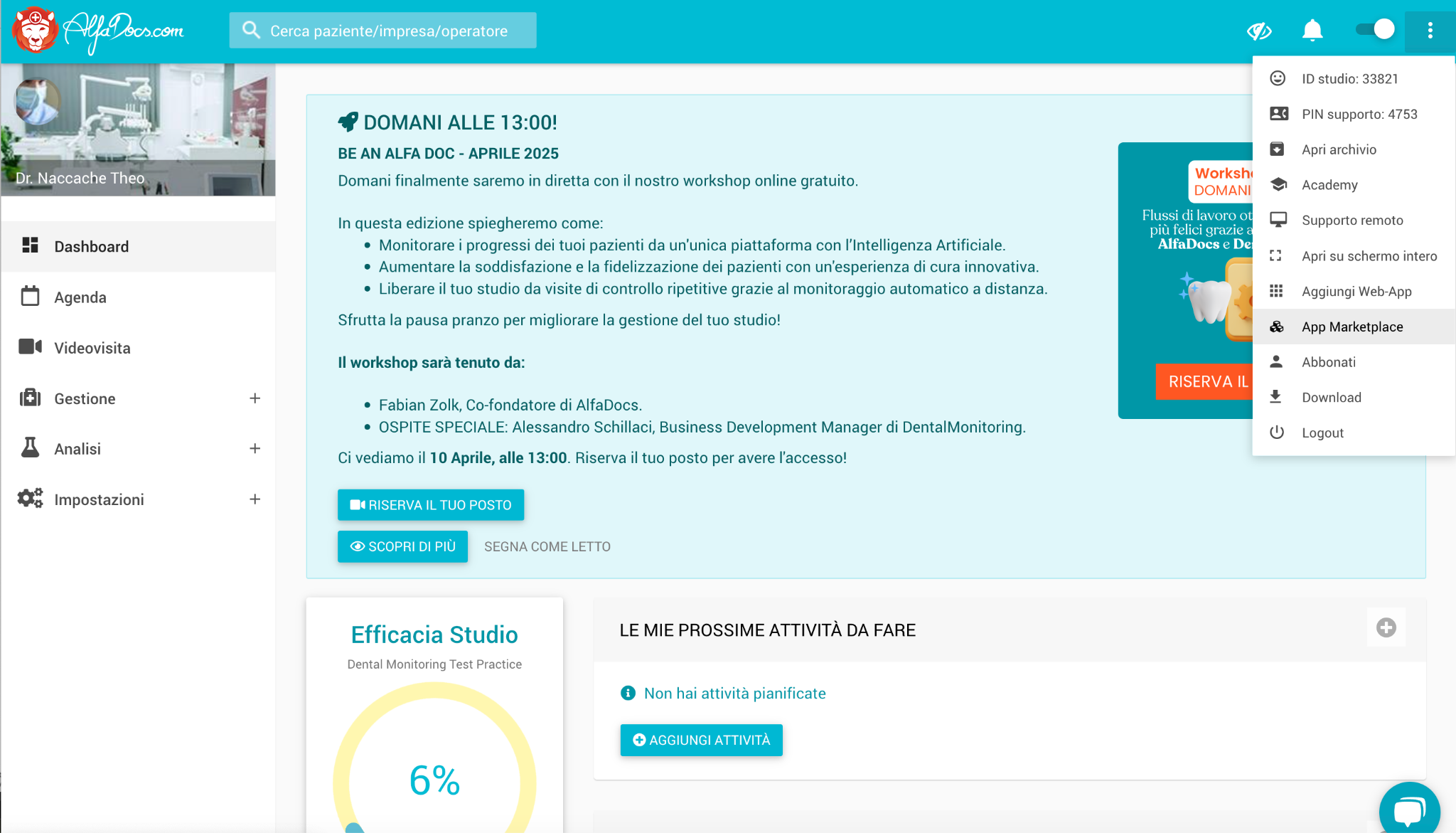
In the top right hand corner, open the menu and click on App Marketplace
-
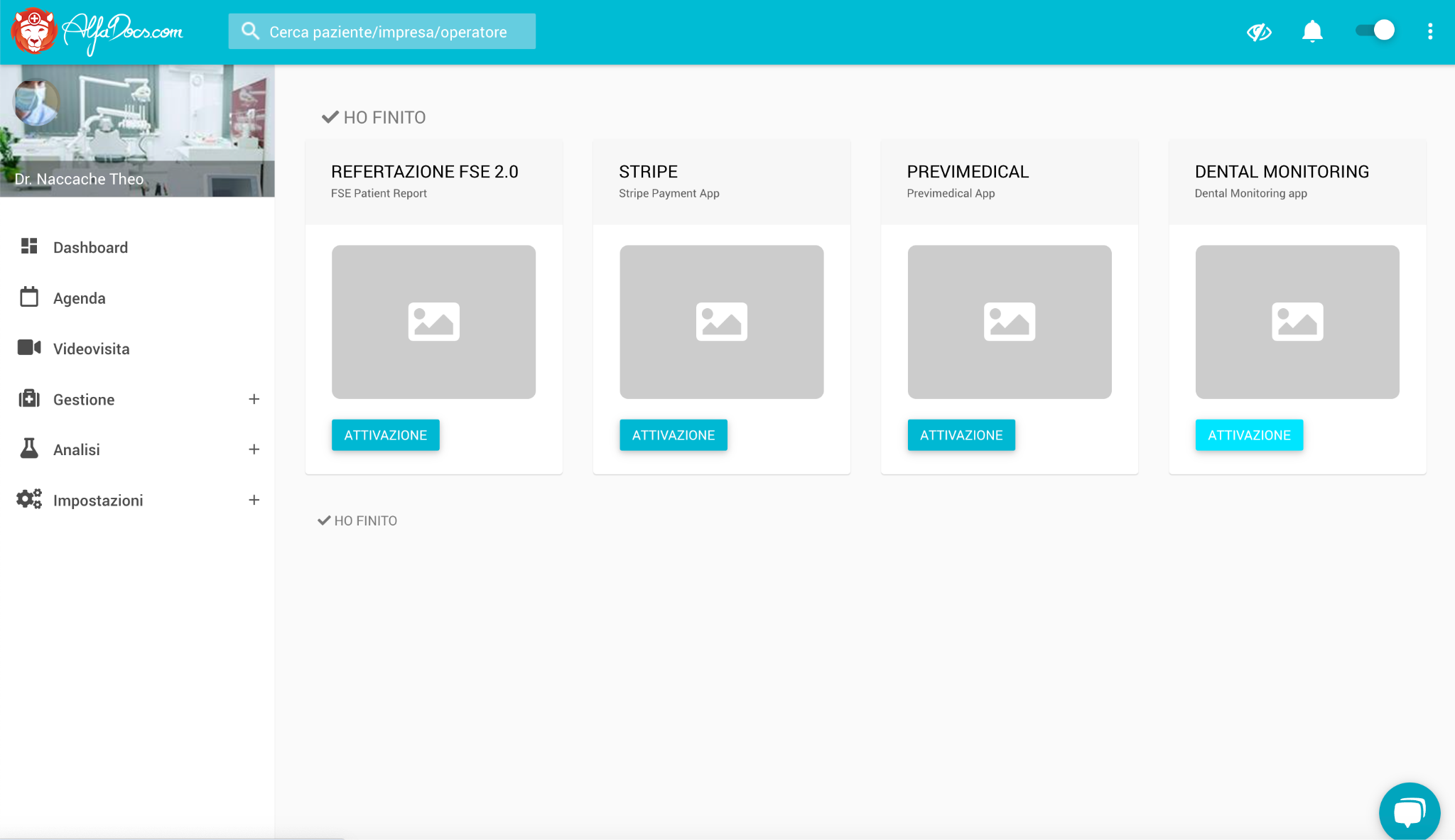
Under Dental Monitoring, click Activate:
-
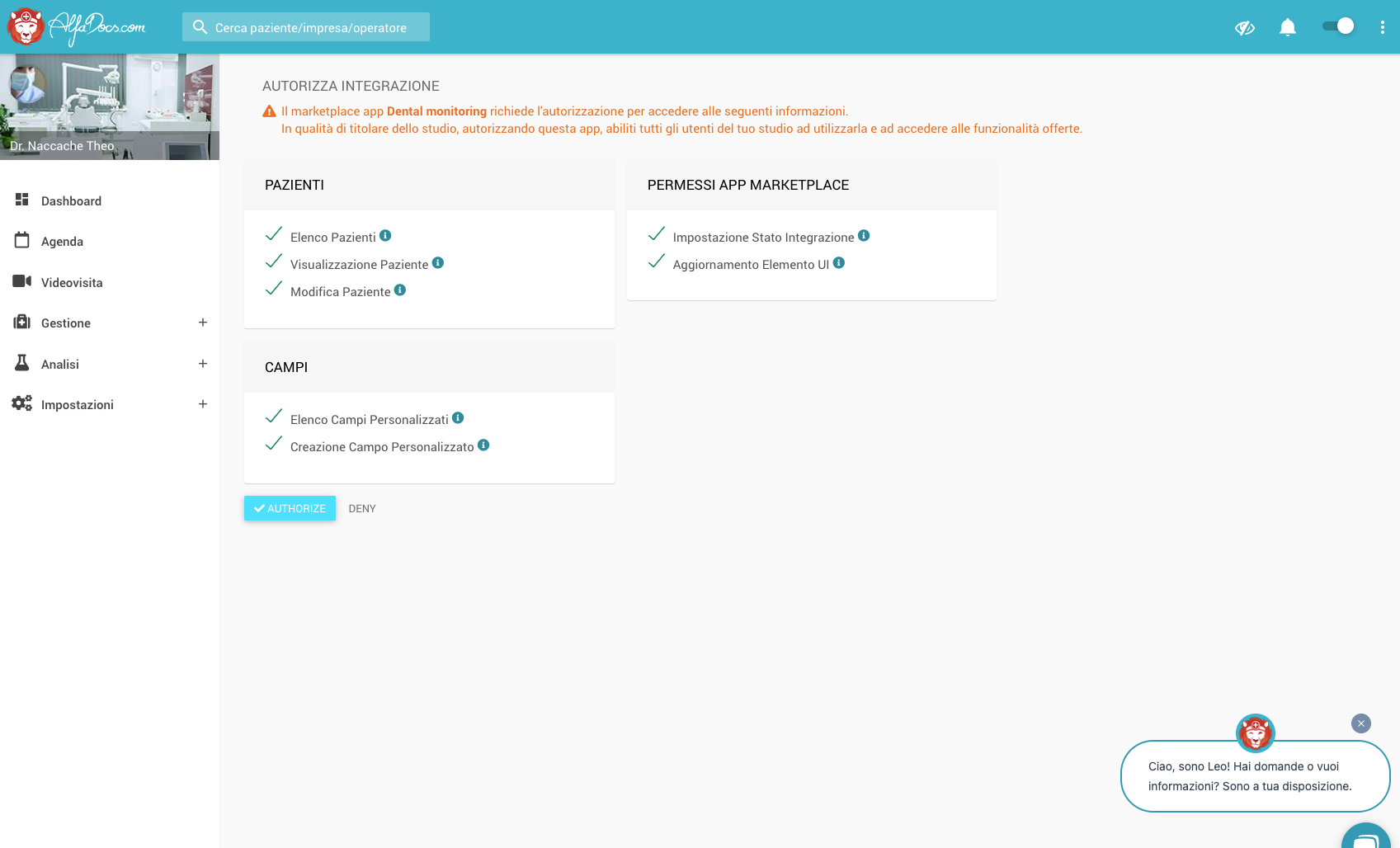
In the new window, click Authorize:
-
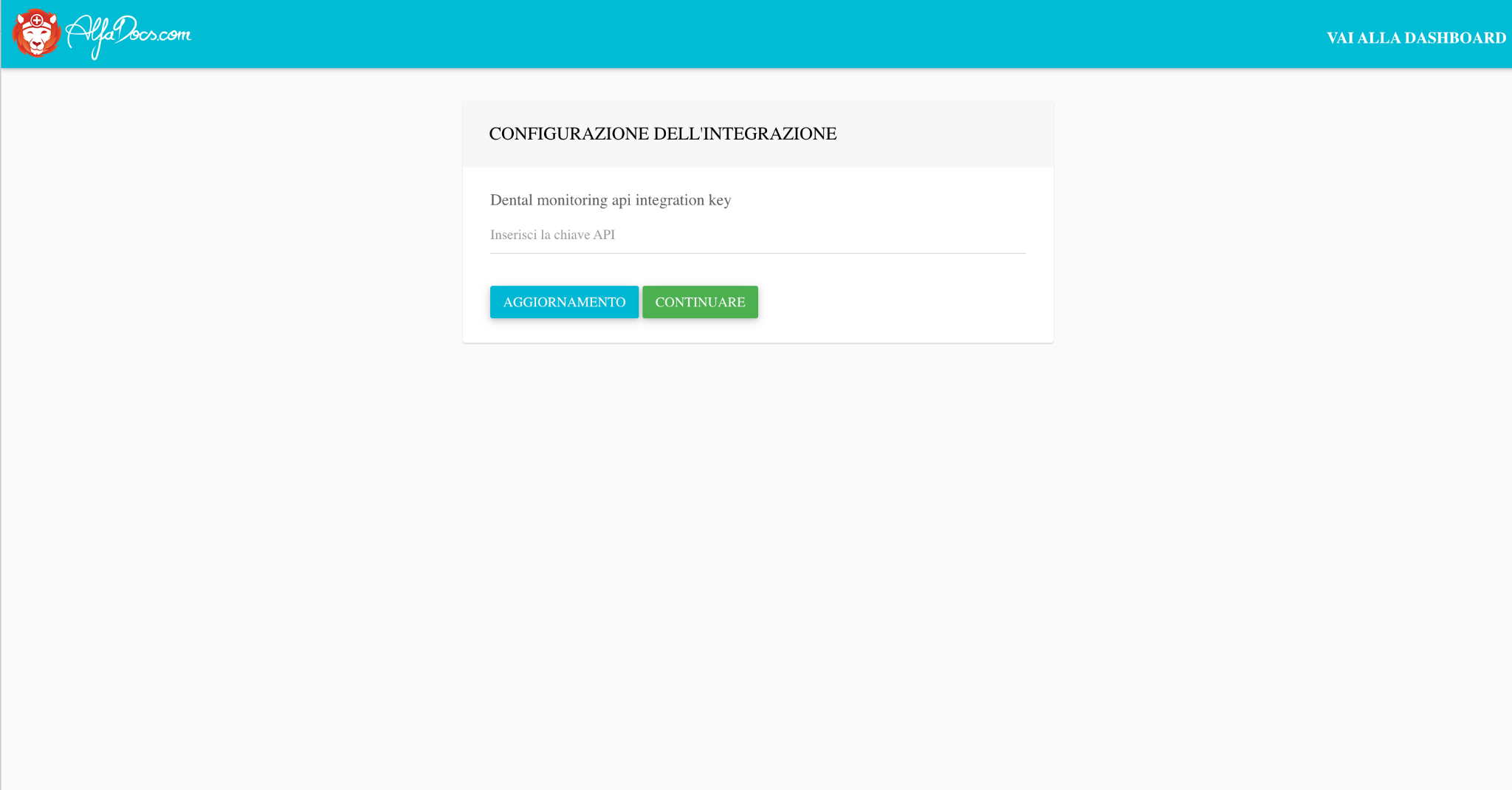
Finally, paste your DM API Key in the dedicated field